Track time spent on projects
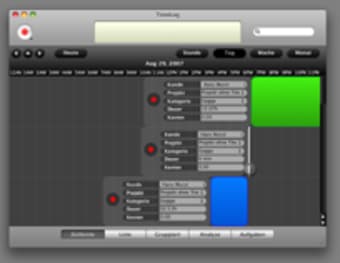
Managing time spent on projects is essential, even more so if your work freelance. TimeLog is built to work with iCal, to keep track of time spent on different projects. With an interface at crossroads between iTunes and iCal, TimeLog gives you an immediate view of your different projects.
Top Recommended Alternative

TimeLog allows you to create smart lists to better organize your projects and can analyze them based on all criteria like billing, time or project type. You'll also notice that it features automatic timer and billing, so you don't have to go around worrying about these. The most useful feature is the red record button at the top left of the interface, which will allow you to launch the time spent on projects and calculate your rates precisely.
TimeLog is known to have some issues when printing out projects, and some users also complained about troubled interaction with iCal. However, overall, TimeLog interacts well with Apple programs.
TimeLog keeps time spent on projects for you.
Changes
Added: Support for TimeLog for iPhone Added: Rates can be locked now from the "Advanced" menu Fixed: An issue with Snow Leopard Fixed: Several Bugs